
Google launched a new tool called Pics on September 1, 2026, and it does something genuinely useful: it puts real AI image editing directly inside Google Docs and Slides, so you never have to leave the document to fix a graphic. I manage product images and marketing visuals across three ecommerce stores, so this one caught my attention immediately, not as tech news, but as a workflow question.
Let me correct something upfront, since a lot of coverage of this is calling it “free” without the actual context. It isn’t free for everyone. It’s included at no extra cost if you’re already on a Google Workspace Business Standard or higher plan, or subscribed to Google AI Pro or Ultra. If you’re not paying for either of those already, you’re not getting this for nothing.
What Google Pics Actually Does
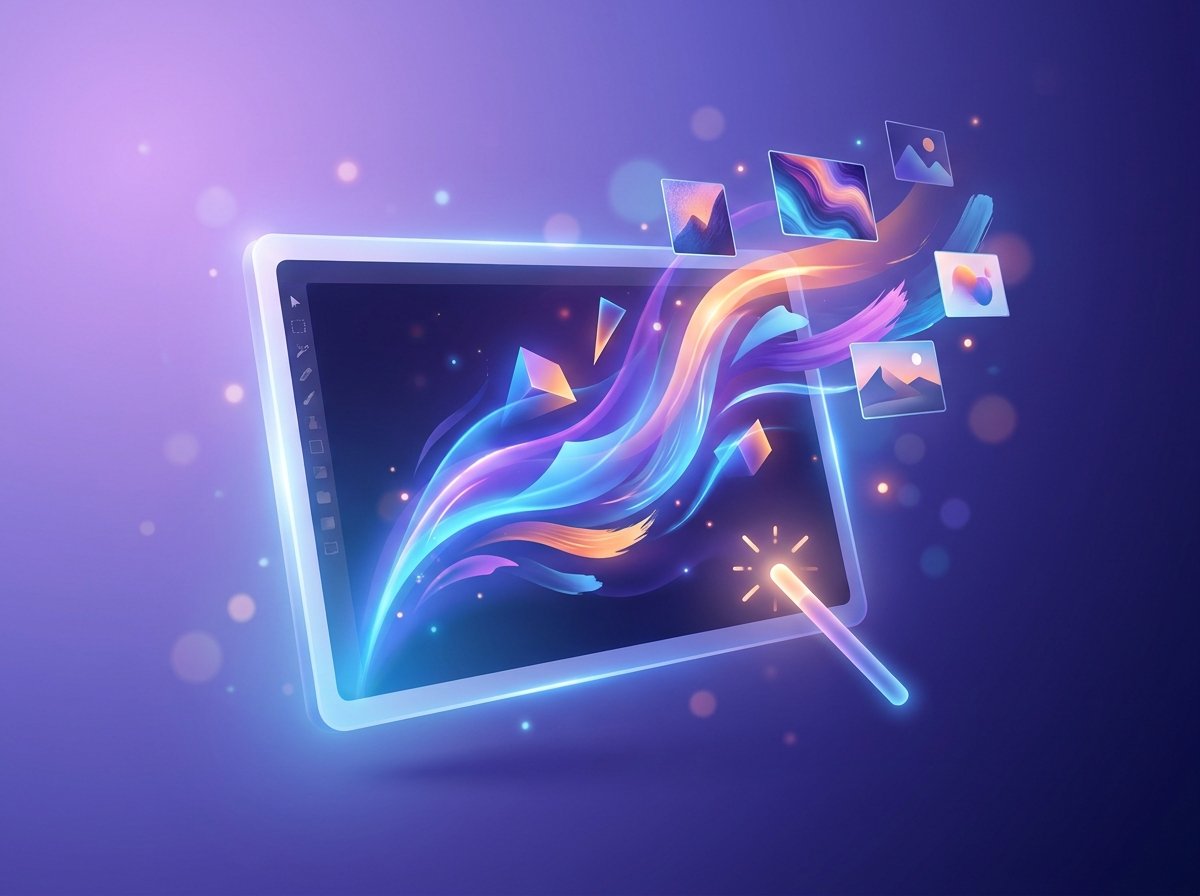
Built on Google’s Nano Banana 2 model, Pics lets you generate and edit images using plain text prompts, directly inside a document or slide you’re already working on. No exporting, editing somewhere else, then re-uploading.
The features that actually matter for real work: object segmentation, meaning you can select just one thing in an image (a product, a background, a specific element) and edit only that, without touching the rest. In-image text editing and translation, so you can fix or translate text that’s already baked into a graphic without rebuilding it from scratch. And real-time collaborative editing, so a team can work on the same visual together the way they already do in a shared Doc.
It’s rolling out first in Docs and Slides, with Drive integration coming in the following weeks according to Google’s own announcement.
Why This Isn’t Just Another AI Image Tool
Here’s the part worth actually understanding. Google isn’t trying to replace Canva or Adobe Firefly as a full design suite, and it isn’t replacing Imagen or the quick image generation already in the Gemini app either. Those remain separate tools for separate jobs.
What Pics is actually going after is the constant tab-switching that eats real time during ordinary work. Fixing a slide graphic, translating an infographic for a different market, cleaning up a product mockup before sending a proposal. These are small tasks that currently mean opening a separate app, doing the edit, exporting, and re-uploading into the document you were already in. Pics removes that entire loop.
That’s a genuinely different pitch than “another AI image generator.” It’s Google betting that convenience, not raw creative power, is what gets a tool used daily instead of opened once and forgotten.
What This Actually Means If You Run a Business
If you’re already paying for Workspace or Google AI Pro, check if you have access before paying for something else. A lot of small businesses default to a paid design tool subscription out of habit. If you’re already inside the Workspace or Google AI ecosystem, this might already cover more of your basic image editing needs than you’d expect, at no additional cost.
Translation built into image editing is a genuinely underrated feature for a Pakistani or South Asian business. If you’re creating marketing graphics that need an Urdu and an English version, or adapting content for different regional audiences, having text translation happen inside the same tool you’re already editing in removes a real, recurring friction point.
This won’t replace a real designer or a proper design tool for serious brand work. Object segmentation and quick text fixes are genuinely useful for everyday content, but if you need a fully custom brand identity or complex layered design work, this isn’t built to replace that skill set. Know which job you’re actually trying to solve before assuming this covers everything.
Expect this pattern to keep spreading. Google folding a real AI editing tool directly into the productivity apps millions of people already use daily is the same pattern I keep pointing to in AI tool coverage generally: capability that used to require a separate paid subscription is quietly becoming a feature baked into tools you already pay for. Worth checking your existing subscriptions periodically instead of assuming you need a new one.
Bottom Line
Google Pics is a genuinely practical addition to Workspace, not because the AI model behind it is groundbreaking, but because it removes the tab-switching that wastes real time during ordinary content work. It’s not free for everyone, and it’s not replacing a real design tool for serious brand work, but if you’re already paying for Workspace Business Standard or higher, or Google AI Pro or Ultra, it’s worth trying before you reach for a separate paid tool for basic image edits and translations.