
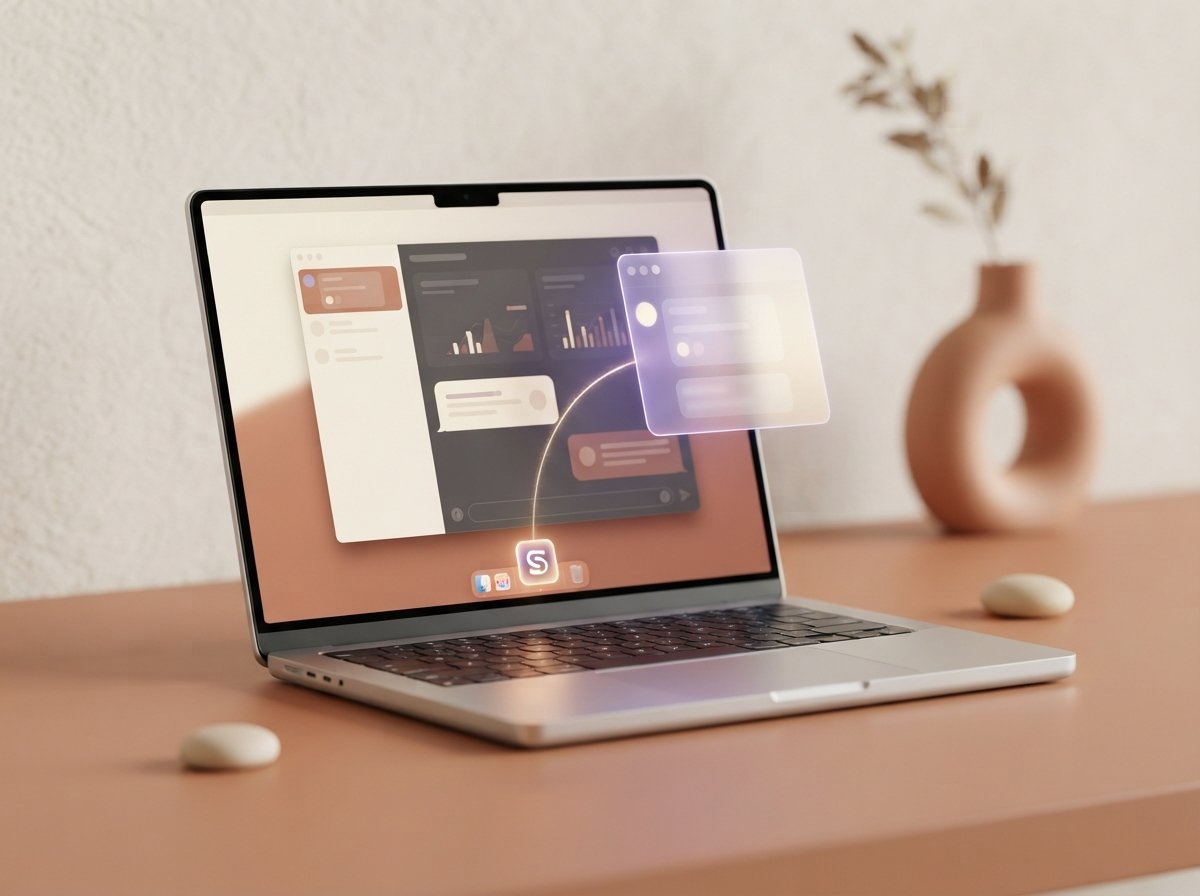
You ask Claude for a tracker. It builds it. Now you can click one button and it lives on your desktop like a real app.
That’s the idea behind Claude’s new “Install as app.” It’s neat. But “standalone” is not quite the right word. Let’s see how it works.
Quick answer
Anthropic began rolling out “Install as app” in beta on November 24, 2026. It lets you turn a Claude artifact into a desktop app for Mac or Windows, with its own icon and its own window. It’s available on all plans, but it needs the Claude desktop app, an internet connection, and a signed-in Claude account to run. Installed apps update when you edit the artifact. Docs, Slides and Sheets artifacts can’t be installed.
What does Install as app do?
Describe a tool to Claude. Try it as an artifact. Then click Install as app (also in the Share menu and, per one report, a right-click menu).
The result is an app with its own icon, opening in its own window instead of inside Claude. No packaging. No code signing. No API key. It runs under your Claude account.
You can also share the app with others, and apps can use Claude and your connectors.
Is it a truly standalone app?
No. This is the biggest catch.
- You need the Claude desktop app for Mac or Windows.
- You must be online and signed in to Claude to open an app.
- Requests your app makes to Claude count toward your plan’s usage limits.
- It’s not available on Linux, the web or mobile.
Think of it as a Claude-powered window with its own icon, not an offline program.
Where does the installed app appear?
Anthropic’s help page says each app gets its own icon and window. It can also add an item to your menu bar or system tray. One report adds that on Mac it goes into a “Claude Apps” folder in your Applications folder, and on Windows it shows up in the Start menu or as a desktop shortcut.
Dock and taskbar placement isn’t spelled out in Anthropic’s page, so don’t assume more than that.
What permissions can apps ask for?
Three levels:
- Default: the app can only do what a browser tab could do.
- App permissions: notifications, a menu bar or tray item, always-on-top windows and global keyboard shortcuts.
- Full computer access: run programs and read, change or delete files without asking each time. Only for apps you made yourself, or, on Team and Enterprise, apps made inside your organization.
Important safety points from Anthropic:
- Anthropic doesn’t review apps before you install them.
- A permission grant covers only the current version. Claude asks again after every update, even your own edits.
- Content an app loads from other websites can change without a new prompt.
So don’t grant full access to an app you don’t fully trust.
Do apps update automatically?
Yes. When the underlying artifact is edited, the installed app updates. That’s handy for quick tweaks. Just remember the permission prompt comes back after each update.
Who can use it?
- Free, Pro, Max, Team and Enterprise: beta on all plans.
- Team: on by default, with full computer access off.
- Enterprise: off until an owner turns it on.
- Not available: HIPAA-ready organizations and hybrid deployments.
Anthropic’s help page also notes that zero data retention doesn’t apply to these apps, per one report.
What can’t you install?
- Claude Docs, Slides and Sheets artifacts.
- Legacy artifacts and live artifacts from Claude Cowork (per one report).
So “any artifact” in some headlines is too broad.
What could you build?
Small personal tools. Calculators. Trackers. Dashboards. Quick utilities for your own workflow.
For a creator or store owner, something like a content checklist, a price calculator or a stock tracker works well. Keep it simple, and remember each request uses your plan’s limits.
What we still don’t know
- How long the beta lasts and what changes at launch.
- Exact usage-limit impact for heavy apps.
- Whether other platforms come later.
FAQ
What is Claude “Install as app”?
A beta feature that turns a Claude artifact into a desktop app with its own icon and window on Mac or Windows.
When was it released?
Rollout began November 24, 2026.
Is it free?
It’s in beta on all plans. App requests to Claude count toward your plan’s usage limits.
Does it work offline?
No. You need to be online and signed in to Claude to open an app.
Is it safe?
By default apps are limited to browser-level access. Anthropic doesn’t review apps, so be careful with permissions.
Can I install a Claude Sheet or Doc as an app?
No. Docs, Slides and Sheets can’t be installed.
Bottom line
It’s a fun, fast way to turn a chat idea into a desktop tool.
Just know what you’re getting. It needs Claude desktop, a login and internet. And treat permissions seriously.