
Building an AI chat app used to mean gluing together five vendors. One for search. One for reading web pages. One for PDFs. One for voice. One for safety.
DeepSeek just said: use ours. Same API key. Same call, mostly.
It’s a smart move, and it’ll matter to anyone building AI tools. But “the whole app in one API” is a bit tidier than reality. Let’s see what’s real.
Quick answer
What happened? On November 13, 2026, DeepSeek said the capabilities behind its app are now available through its API.
What’s included? Web search, link reading, file parsing, a safety check and auto-titling in the model call. Voice and OCR as separate services.
Which model? deepseek-flash. The built-in web tools and file input reportedly don’t work with deepseek-v4-pro.
Is it free? No. Search, fetching and parsing carry extra fees on top of token costs.
What can developers now do?
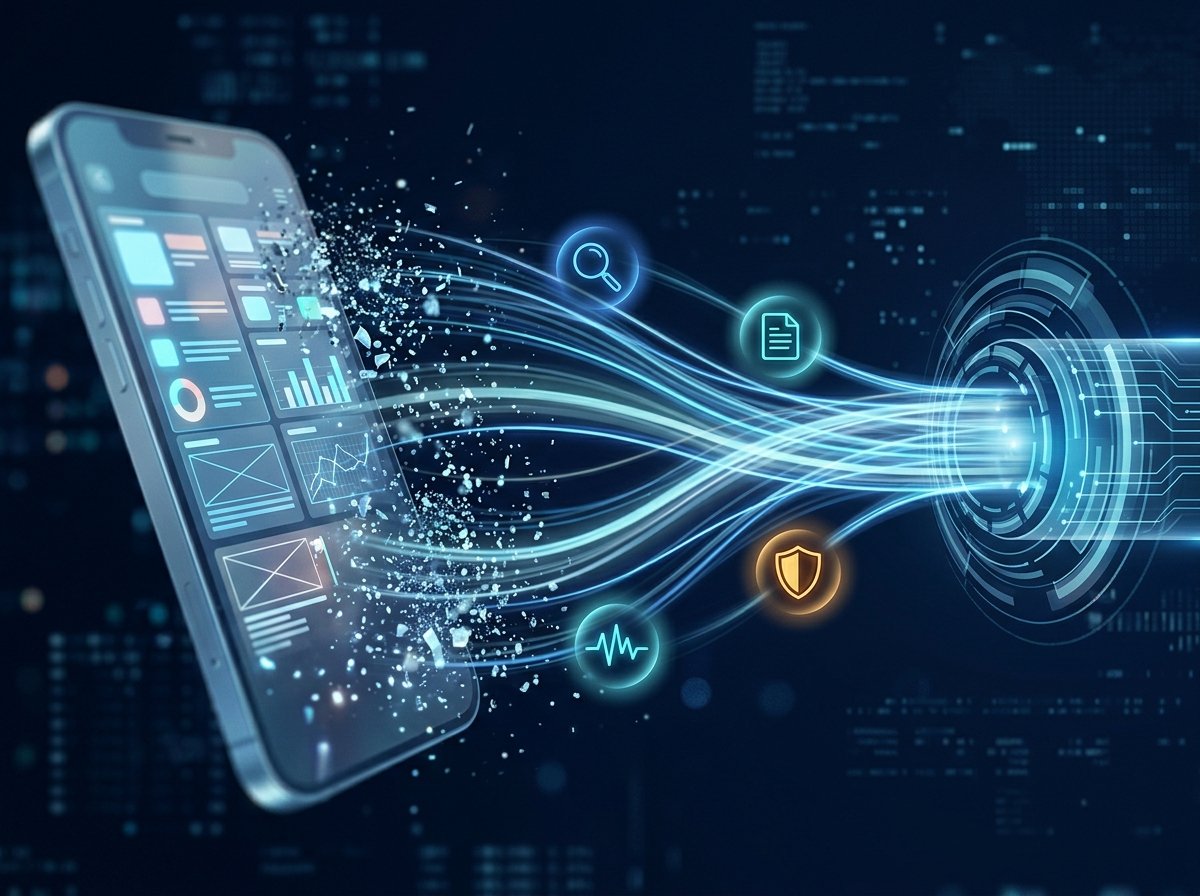
According to reports based on DeepSeek’s guide, the API now offers:
- Web search: the model searches the web or images and cites sources. With thinking on, it can search and read links across several reasoning steps.
- Link reading: fetches pages from links a user pastes and answers from them.
- File input: PDF, Word, PowerPoint and image files, parsed into text or a layout-aware form.
- Safety check: reviews inputs and outputs and returns a refusal marker if it spots risk.
- Auto titles for conversations.
- Context marker: tells the model the date, plus the user’s location and language.
It works across the Messages-style, Responses and Chat Completions endpoints. Responses come back as structured blocks for thinking, search steps, page reads, citations and refusals. That lets your app show each stage.
Is voice really built in?
Not quite. Voice and OCR are standalone services. Speech-to-text and text-to-speech are separate endpoints, not flags in a chat call. The same goes for standalone Search and Fetch endpoints, which you can use with any model.
So “web search, link parsing and voice in a single call” is too neat. Search, link reading, files, safety and titles go in the chat call. Voice and OCR are separate.
How do you switch features on?
Parameter names depend on the endpoint, so check DeepSeek’s docs. Reports describe things like these:
- A
deepseek_web_searchserver tool for search, on the Messages-style endpoint - A
deepseek_read_urltool for link reading - A
safety_checksetting with a “high” level - A
titlesetting to turn on auto-titles - The Files API for uploads
One developer’s walkthrough uses a simple web_search tool type on the Responses endpoint, with the model name deepseek-v4-flash. Names may differ by endpoint. Test before you build on any of them.
What does it cost?
DeepSeek’s launch guide doesn’t state prices, according to Startup Fortune. But a report citing DeepSeek’s pricing pages lists these:
- Web search: $0.75 per 1,000 searches
- URL fetching: $0.75 per 1,000 fetches
- File parsing and OCR: $0.225 per 1,000 pages
- Speech to text: $0.116 per hour of audio, or $0.058 on a limited-time rate
- Text to speech: $0.45 per 10,000 characters, or $0.225 on a limited-time rate
- Safety check: billed as output tokens
Token prices for deepseek-flash are $0.15 input and $0.60 output per million tokens off-peak. Peak hours cost double: $0.30 and $1.20. Peak is 01:00 to 04:00 and 06:00 to 10:00 UTC on weekdays.
These tool fees are on top of token costs. An agent loop that searches several times per turn adds up. Watch your calls per turn.
Is it really 88% cheaper than OpenAI?
You’ll see “88% below GPT-4o.” That math is correct, but narrow. It compares peak token prices only, against an approximate and undated GPT-4o price. It leaves out DeepSeek’s tool fees and says nothing about quality or speed.
The same goes for search. DeepSeek’s $0.75 per 1,000 looks far below the $10 per 1,000 charged by some rivals. But the comparison isn’t like-for-like. DeepSeek charges separately for fetching, and others bill differently.
What are the catches?
- Limited combinations. The built-in web search tool can be declared once and combined only with the safety check and titles.
- Less control. With these features on, settings like temperature and top-p are ignored. Domain allow and block lists aren’t supported in the built-in tool. You can’t force a tool with
tool_choice. - Token limits work per step, not across the whole round.
- Rate limits are unclear. One report says 100 search queries per second. Another says 5 requests per second per account. Check the docs.
- Data routing. Searching and fetching run through DeepSeek’s infrastructure. That matters if you have data-residency or privacy rules.
- Prompt injection. Fetched web pages are untrusted. They can carry hidden instructions.
- Your responsibility. The safety check is basic risk control. You still handle content review, model registration, AI labeling and your own legal obligations.
What about the open-source demo?
DeepSeek released a web demo that uses all these features. It supports uploads, editing and regenerating replies, Markdown and diagrams, Chinese and English, and light and dark themes. It can import a chat history exported from the DeepSeek app. That import replaces any existing history.
It stores your API key, chats and uploaded images only in your browser. But “native clone of the app” is too strong. The page calls it a demonstration, and a review describes it as scaffolding, not a production design. You’d still need login, storage, abuse controls and monitoring.
Does this kill AI wrappers?
It squeezes them. If a basic assistant backend costs a few dollars and one API key, simple wrapper apps lose their edge. That’s analysis, not a fact from DeepSeek.
What survives: products with good design, niche workflows, trust, data and distribution. A search box on top of a model was never much of a business.
Should you use it?
- Yes, test it for prototypes, research assistants and document Q&A, where cheap search and parsing help.
- Be careful with customer data, regulated work or anything with strict data rules.
- Do the math on your real calls per turn before you scale.
- Keep your options open. The standalone Search and Fetch endpoints can feed any model.
What we still don’t know
- Independent search-quality and OCR-accuracy tests
- When the limited-time voice prices end
- Exact rate limits
- Whether
deepseek-v4-prowill get these tools - Regional availability
FAQ
What did DeepSeek announce?
On November 13, 2026, it made its app’s capabilities, like web search, link reading, file parsing and a safety check, available through the API.
Which model supports it?
deepseek-flash. The built-in web tools and file input reportedly don’t support deepseek-v4-pro.
Is voice included in one call?
No. Speech-to-text, text-to-speech and OCR are separate services.
How much does DeepSeek web search cost?
$0.75 per 1,000 searches, per a report citing DeepSeek’s pricing pages, on top of token costs.
Can I self-host a DeepSeek app clone?
DeepSeek released an open-source demo that can import exported chat history. It’s described as a demonstration, not a production app.
Is DeepSeek’s safety check enough for a public app?
No. It’s basic. You still handle your own content review, registration and labeling duties.
Is the consumer app now paid?
No. Free consumer-app usage is unchanged. The new prices apply to API usage.
Bottom line
DeepSeek is lowering the cost of building a decent AI assistant. That’s real. But it’s a toolkit, not a full app in a box, and the fees, limits and data questions are worth reading before you commit.
Test it. Track your costs per turn. And don’t ship anything customer-facing until you’ve read the terms.