

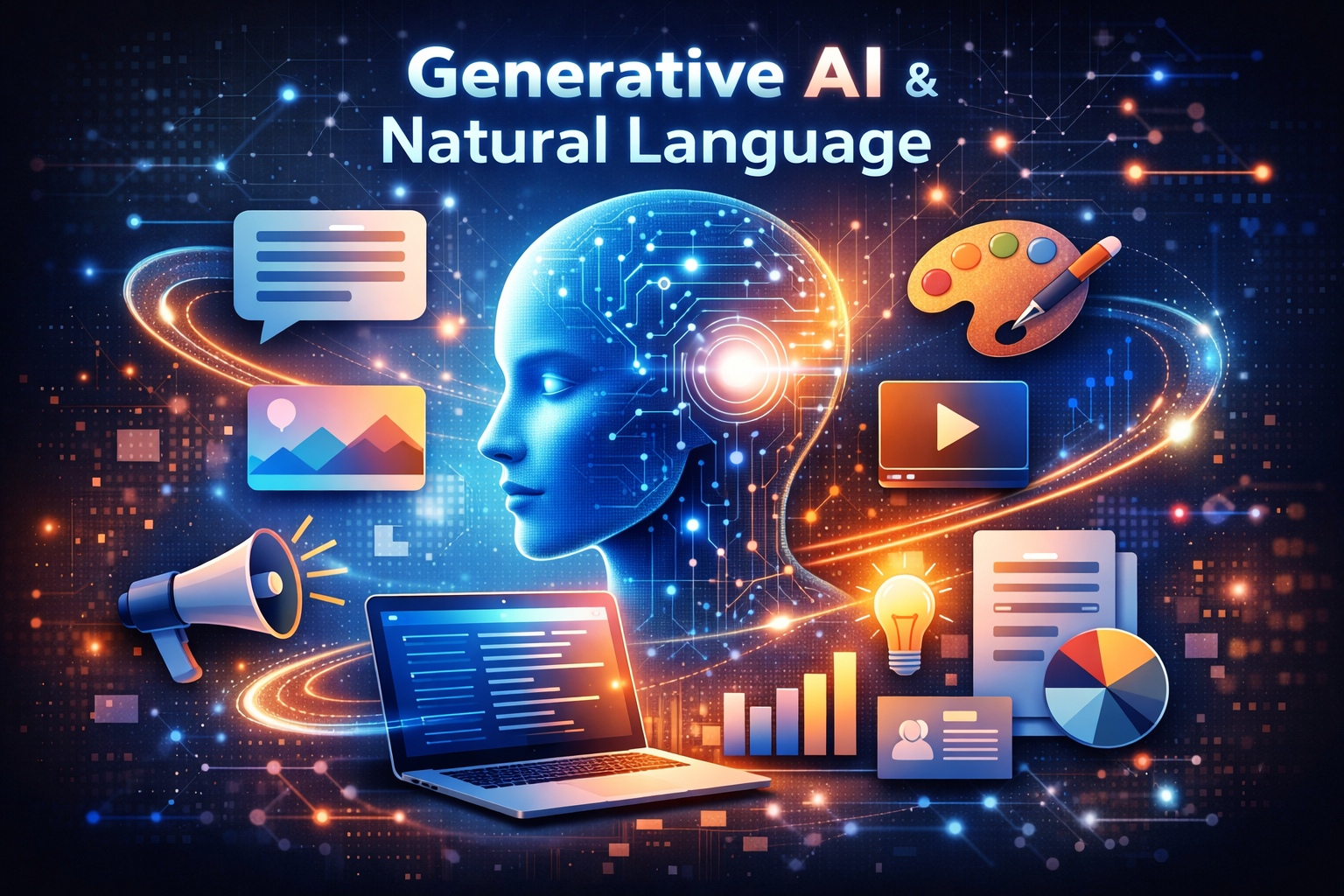
Generative AI covers a lot of ground — text, images, voice, video, code — and most explainers either go too abstract or lean on one random example tool. Here’s a real breakdown by category, using tools I actually use across my own content and business work.
What Makes It “Generative”
Most AI before this wave analyzed or classified existing information — spam or not spam, this customer will likely churn or won’t. Generative AI creates new content instead: new text, a new image, a new voice clip that didn’t exist before you asked for it.
The other big shift: you don’t need to code or use rigid commands. You describe what you want in plain language, and the tool works toward it. That accessibility is the real reason this technology spread so fast — a small business owner with zero technical background can now generate a product description or a marketing image the same afternoon they think of the idea.
How It Actually Works, Simply
Three steps, regardless of the format: you give it an instruction (text, an image, sometimes audio), it processes that instruction against everything it learned during training to figure out what you’re actually asking for, then it generates output matching your request. If the result misses the mark, you refine your instructions and it tries again — this back-and-forth refinement is often where the real quality comes from, not the first attempt.
Generative AI By Category, With Real Examples
Text generation — tools like ChatGPT and Claude, which I use daily for research, drafting, and structuring content before I do the real editing pass. These are genuinely useful for getting past a blank page, not for final, unedited output.
Image generation — tools that turn a text description into a visual. Useful for exploring visual directions fast, testing concepts before committing to a final design direction, though a real design eye still needs to catch what looks slightly off.
Voice generation — this is a core part of my actual content pipeline. ElevenLabs generates natural-sounding Urdu voiceovers for my video content, a task that used to require hiring a voice actor for every single video. The quality gap between AI voice tools even two years ago and now is genuinely dramatic.
Video generation — newer and rougher than the other categories, but improving fast. Tools like Google’s Veo can generate short video clips from text descriptions, useful for supplementing footage in a content pipeline rather than replacing filming entirely, at least at the current quality level.
Code generation — AI coding assistants can write, debug, and explain code from a plain-language description. This genuinely changes what a non-developer can build or fix on their own sites and tools, though anything shipping to real users still needs a proper review pass.
Where This Actually Helps a Small Business
Content creation without hiring a full creative team. Launching a new product or store often needs marketing visuals and copy fast — generative AI lets you produce a workable first version without a designer or copywriter on staff yet.
Speeding up daily repetitive work. Drafting email responses, summarizing long documents, brainstorming options before you commit to a direction — these are genuinely faster with AI assistance, freeing up time for the decisions that actually need your judgment.
A second perspective on decisions, not a replacement for making them. Asking an AI tool to lay out different angles on a business decision can surface options you hadn’t considered — but the actual decision, and the context only you have, still needs to be yours.
Where It Genuinely Falls Short
It doesn’t know your specific business context unless you give it that context explicitly every time. It can’t infer that your slow month was seasonal, or that a client relationship has unusual history — it works with what you tell it, nothing more.
Confident output isn’t the same as correct output. This applies across every category — generated text, code, or facts can sound completely plausible and still be wrong. Review, always, especially for anything with a specific factual claim or number attached.
It reflects patterns in its training data, including whatever biases exist in that data. Worth watching for, especially in anything involving decisions about people.
Bottom Line
Generative AI spans text, images, voice, video, and code — each genuinely useful for a specific kind of first-draft work, none of them a substitute for review and real judgment. The businesses getting real value from this aren’t the ones using it for everything blindly — they’re the ones who’ve identified specific, repetitive tasks where a fast first draft genuinely helps, and who still review before anything goes live.